Your accounts, all in one place.
Organize your cash, savings and cards to see how your money is spread across accounts.

Personal finance, your way.
See where your money goes, what’s left and how your goals are growing. All in Moni.
Download on the App StoreFor iPhone and iPad · Free download with in-app purchases
Explore the features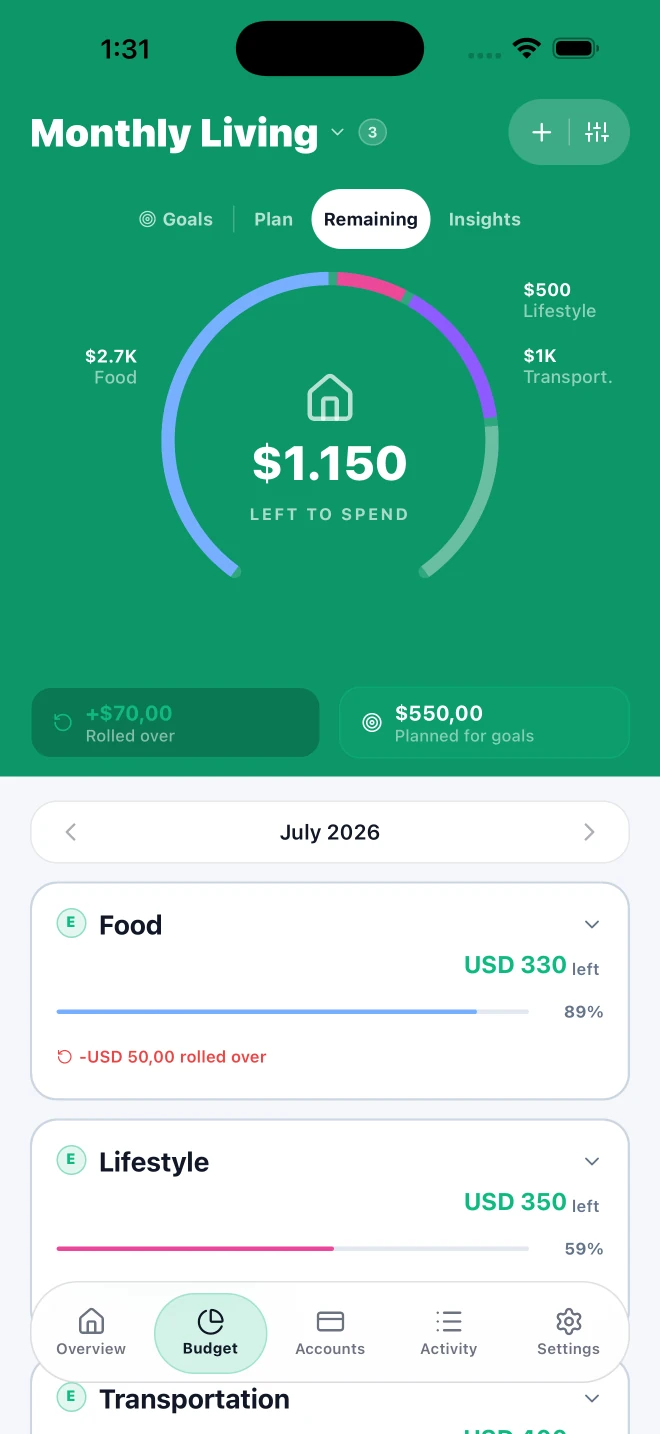
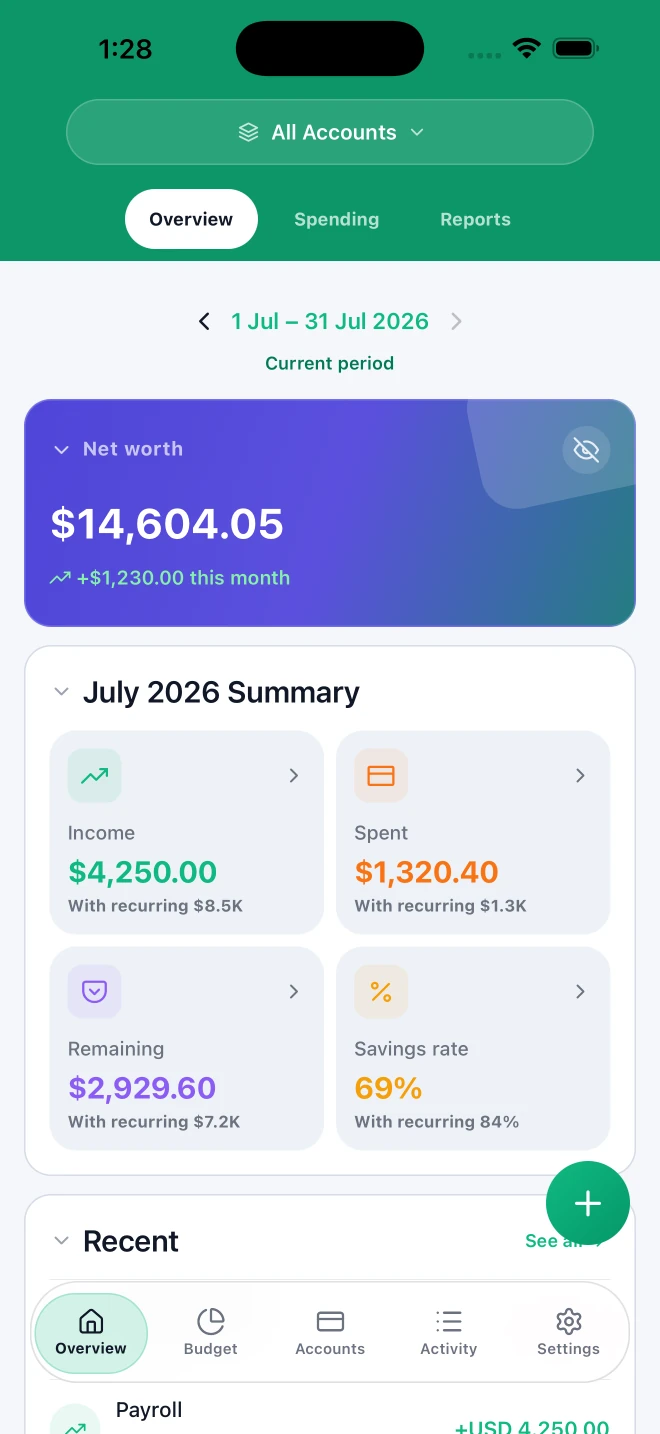
Real Moni screens. Sample data.
MONEY IS PART OF LIFE. NOT ALL OF IT.
Turn scattered numbers into a picture you understand. Track your spending, manage subscriptions and plan what’s next.
Organize your cash, savings and cards to see how your money is spread across accounts.
Different currencies. One clear picture of your money.
Managing multiple currencies01 / MAKE ROOM FOR YOUR PLANS
Give your spending a plan and see what’s left before your next purchase.
02 / THE THINGS YOU WANT TO MAKE HAPPEN
A trip, an emergency fund or something just for you. Turn your savings goals into a plan you can follow.

03 / THE THINGS YOU SHARE
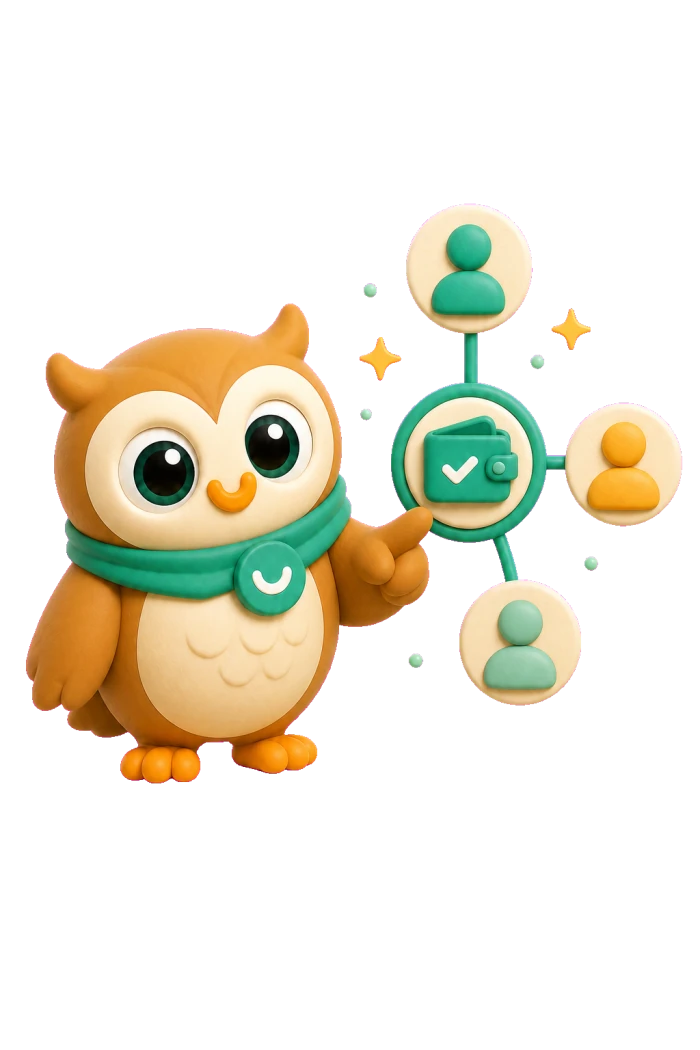
Organize household finances with people you trust. Choose which accounts, budgets and goals to share, with the access each person needs.
04 / REPORTS
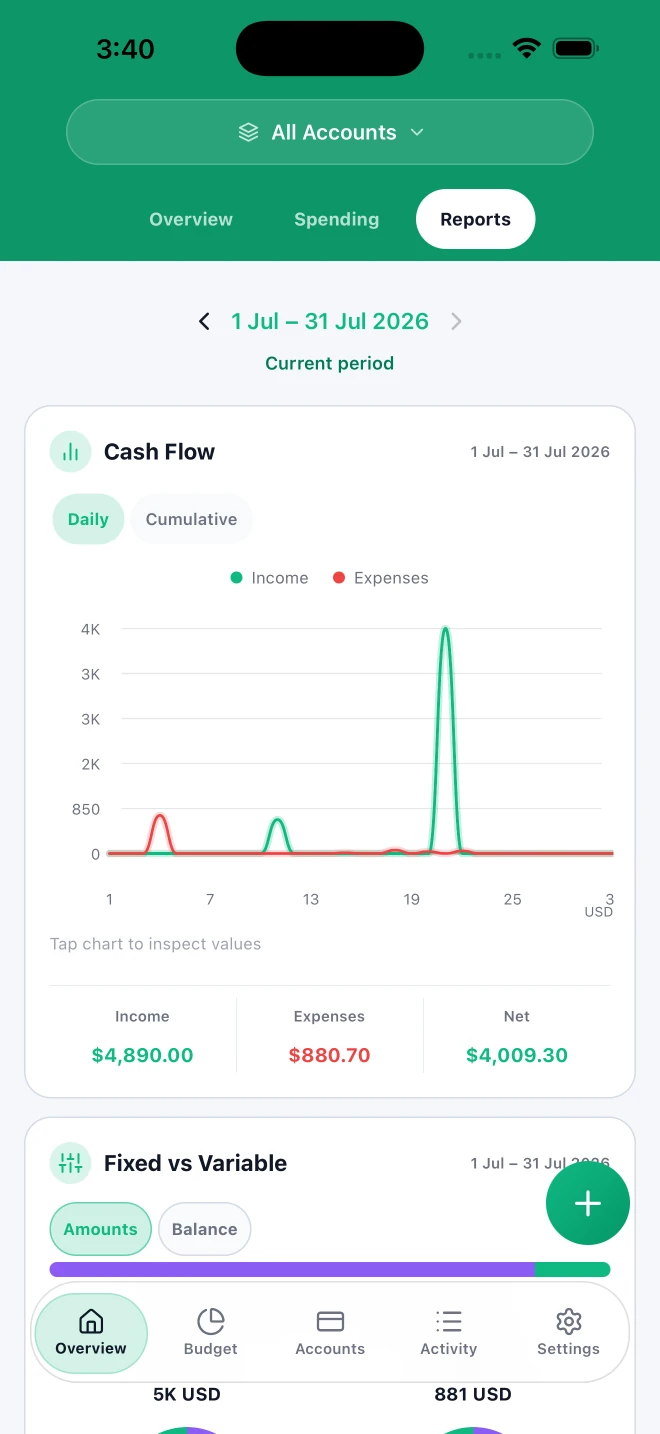
Spot recurring expenses and understand where your money goes. See your income and spending with more context for your next decision.
05 / A CLEARER VIEW OF YOUR PAYMENTS
Bring your Apple Pay payments into Moni and spend less time recording expenses.
06 / THE EVERYDAY STUFF, TOO
See which payments are coming up and how much you spend on them.
Organizing your subscriptionsKeep amounts owed and repayments together, ready when you need them.
Search your transactions and review their categories, notes and details.
YOU KEEP THE REINS
Organize your money without sharing your bank credentials.
Protect access to Moni with a code or biometrics.
How Moni handles your dataLET’S CLEAR THINGS UP
You can get started without connecting your bank or sharing its credentials. You stay in control of what you record.
Yes. You can organize your personal finances and share a household with people you trust.
You can choose accounts, budgets and goals. Access to a linked budget or goal also includes the accounts it needs.
Yes. Keep your subscriptions and recurring payments together so you can see what you pay and what’s coming up.
Yes. Bring your Apple Pay payments into Moni, review the details and save the expense alongside the rest of your spending.
Moni is available for iPhone and iPad. Find it on the App Store.
A LITTLE MORE CLARITY, STARTING TODAY.
Available for iPhone and iPad